
Why Standalone Publishing Tools Are Being Adopted by Outsourcing and Small-to-Medium Teams
With certificates, uploads, detection, and browser isolation split into separate products, outsourcing teams can assemble them per project instead of binding the entire publishing process to one person's computer environment.
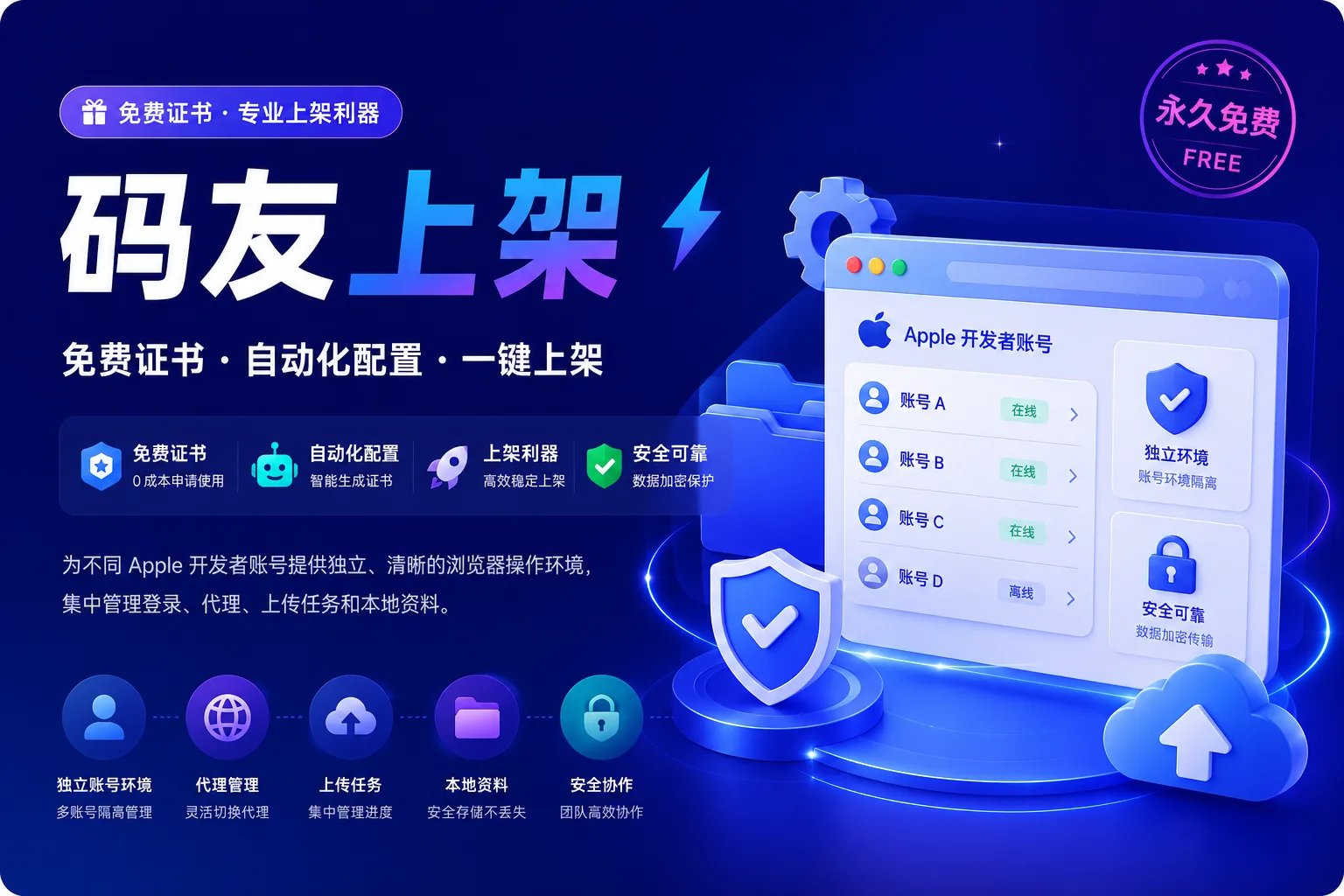
Small and medium-sized software companies and outsourcing teams rarely work on just one app. When multiple clients, multiple Bundle IDs, and multiple developer accounts run in parallel, the traditional approach of "one Mac loaded with the full set of certificates and browsers" stacks risks on top of each other. The demand for standalone publishing tools comes from isolation and reuse, not from having one more interface.
Account environments need isolation
Logging into multiple Apple accounts in the same browser at the same time easily leads to session crossover and two-factor authentication crossover. A standalone publishing browser uses isolated environments to reduce this kind of cross-contamination. For teams maintaining store profiles for multiple clients at once, this is a change in how they collaborate, not just a list of software features.
Uploads, certificates, and detection don't have to be tied to the same machine
Certificate management, IPA uploads, and similarity detection can be separated by role: some people handle only signing, some only read reports, and some are responsible for submission. Once the tools are split apart, permissions can be split apart too, reducing the circulation of P12 files and account passwords through chat apps.
Choose tools by workflow, not by feature stacking
What truly shortens the cycle is whether these steps can connect to existing delivery: development builds, testing, submission, and rework. The operational details are still in the tutorial center; what matters from an industry perspective is that publishing is shifting from an individual craft to a handoff-ready production process.