
Build Not Showing Up After IPA Upload? It's Not Always a Signing Error
A successful upload with an invisible build is often misjudged as a certificate issue. Processing queues, version status, and account permissions are becoming reasons worth checking before "just uploading again."
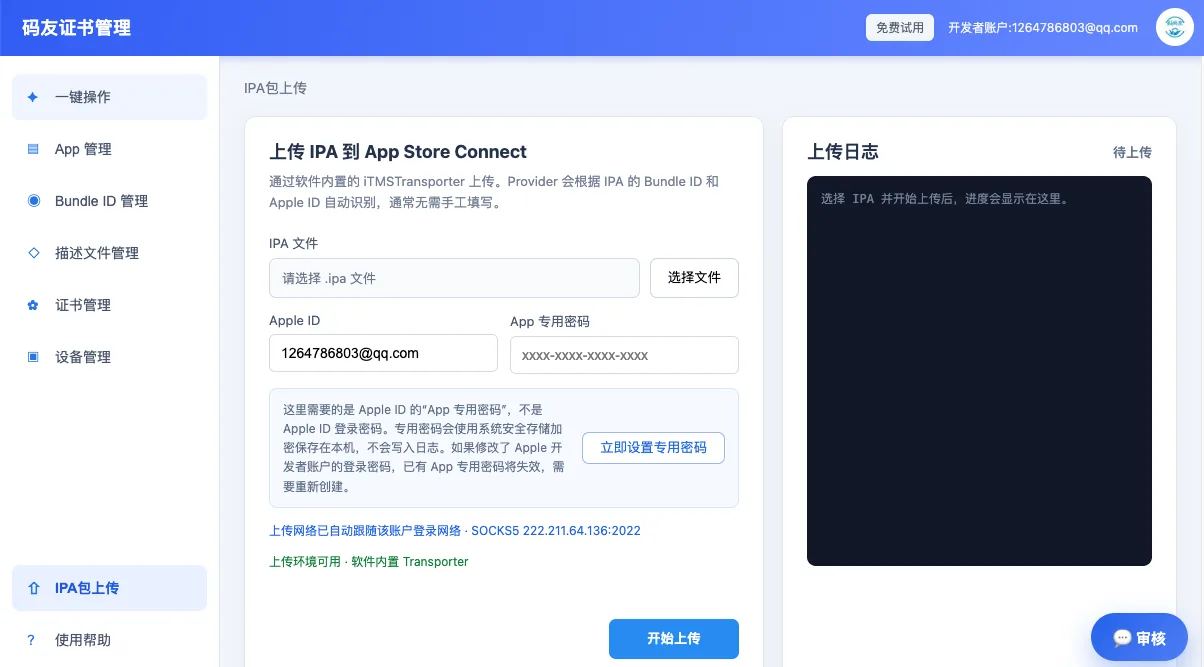
Many release delays aren't caused by the IPA failing to upload, but by App Store Connect taking a long time to show the build after upload, or processing failing without an immediately readable reason. If a team interprets every situation as a signing error, they'll end up archiving and uploading over and over again.
Upload Complete and Processing Complete Are Not the Same Thing
A success response from Transporter or the API only means the file arrived. Apple still has to complete virus scanning, signature verification, and build processing. Network hiccups, expired account sessions, and duplicate build numbers can all leave "success" stuck at the processing stage.
Repeated Uploads Amplify Queue Costs
Retrying the same build number consecutively easily triggers version conflicts, turning a recoverable processing failure into one that requires a new build number and a fresh package. In 2026, the more common approach is to keep complete logs first, then determine whether the issue is signing, identifiers, versioning, or account permissions.
Steps Still Belong in Tutorials; Judgment Belongs in News
The categorized troubleshooting order fits well in a tutorial center. On the industry side, project managers need a reminder: an invisible build doesn't necessarily mean you should re-sign immediately. Checking the processing status first is often more time-saving than churning out packages repeatedly.