Six-Week Practice of Developing an App with AI: The Real Process from Idea to Launch and Experience in Selecting a Utility-Type MVP
A full record of six weeks of practice developing an App with AI. Sharing the real process, the boundaries of AI collaboration, the logic behind technology selection, and why utility-type MVPs are most suitable for AI-assisted development, while explaining AI's limitations in business logic, architecture, and compliance.
Many people ask whether "developing an App with AI" is really feasible. My answer is: it is feasible, and I recently used exactly this process to build a small utility App that has already been launched. From idea to submission for review, it took six weeks in total, the code I wrote by hand myself did not exceed 200 lines, and the vast majority of the remaining work was "collaborating" with AI—letting it write the first draft, running it myself to see the effect, throwing errors back to it to fix, and then having it help me refactor and add comments. This article does not intend to teach you how to learn programming from scratch, but rather, from the perspective of a practitioner who has already used AI to build a complete product, to lay out clearly the real process, the real pitfalls, and all those links that AI currently cannot help with.
Let me start with the conclusion, to give those who have not yet started some expectation management: when developing an App with AI, the most core change is not "no need to write code," but rather "one person can carry the entire process from design and development to launch that previously required two or three people to complete." It suits people who want to quickly validate a product idea, and also suits people who already have business needs but do not want to spend too much cost on manpower. The premise is that you must know how to correctly describe requirements to AI, how to judge whether the code it gives has hidden pitfalls, and which links must rely on humans rather than AI. The main content of this article is entirely developed around these three premises; after reading it, it can at least help you avoid two months of detours.
1. First, pour a basin of cold water: the real boundaries of AI App development
1.1 Expectations from six months ago vs. what actually happened
Before deciding to develop an App with AI, like most people, I carried two extreme imaginations: on the one hand, I wondered whether AI could already "generate an entire project from one sentence"; on the other hand, I worried that the code it generated could not run at all. After actually doing it, I found that both situations are true, depending on which link you use it for.
AI is outrageously efficient at three things: generating boilerplate code, writing out the first version of a functional module, and translating common errors into plain human language. For example, when I wanted to build a to-do list feature with local storage, I described the requirements clearly and threw them to it, and within ten seconds it gave me a piece of page code that could run directly, including an input box, list rendering, add/delete/edit operations, and it even helped me add an empty-state prompt. This kind of grunt work used to take at least a whole evening of fiddling.
But when it comes to judging whether business logic is complete, understanding the user scenarios behind the product, controlling the overall architecture, and doing pre-launch compliance checks, AI is almost equal to zero. It does not know through what strange operation paths your users will trigger bugs, it cannot decide for you "whether this button should go on the left or the right," and it will not proactively remind you which fields need to be included in the privacy policy. I stepped into all of these pits: AI helped me generate a feature page that looked very complete, but only when users actually used it until the third day did we discover that the data synchronization logic was fundamentally wrong—because it had only written local saving and had not considered multi-device scenarios at all.
So my real feeling is: treat AI as a "junior engineer with extremely fast response," not as an "all-knowing full-stack architect." It is suitable for execution-layer work, such as writing code according to clear instructions, changing styles, and supplementing tests; while at the decision-making layer, experience layer, and compliance layer, humans must be present throughout.
1.2 What types of Apps are most suitable for building with AI
Not all types are suitable for developing an App with AI. I made my own classification, and ranked from easy to difficult it is roughly like this:
App Type | Typical Examples | Difficulty of AI-Assisted Development | Explanation |
Utility type | Calculator, unit conversion, time management, expense tracker | Low | Simple logic, standard page structure, very high quality of AI-generated code |
Content display type | News lists, image browsing, query tools | Low | Essentially "request data + list rendering," which AI is very good at |
Form + storage type | Check-in records, lightweight CRM, personal diary | Medium-low | Involves local or remote storage; AI can write the framework, but data design must be checked by yourself |
Social/real-time interaction type | Chat, instant messaging, multi-person collaboration | Medium-high | Needs to handle real-time connections, message push, permissions; AI easily misses edge cases |
Game/complex animation type | Games with physics engines, drawing boards, AR applications | High | Performance optimization and rendering details must be repeatedly adjusted manually; AI-generated code often runs but is very laggy |
What I made in the first version of the MVP was a small utility-type App, and this was the result of a deliberate choice. The reason is that utility applications have uncomplicated interfaces, very short interaction paths, and almost no third-party SDK dependencies, making them suitable for letting AI take charge of 80% of the code generation work. If you want to use AI to make a social App with real-time voice right from the start, I suggest first breaking the idea down—turn the most core function into a prototype that can run, then gradually expand, otherwise the AI-generated code will quickly spiral out of control amid complex dependencies.
2. Technology selection before starting: let AI help you make decisions
2.1 The underlying logic of technology stack selection
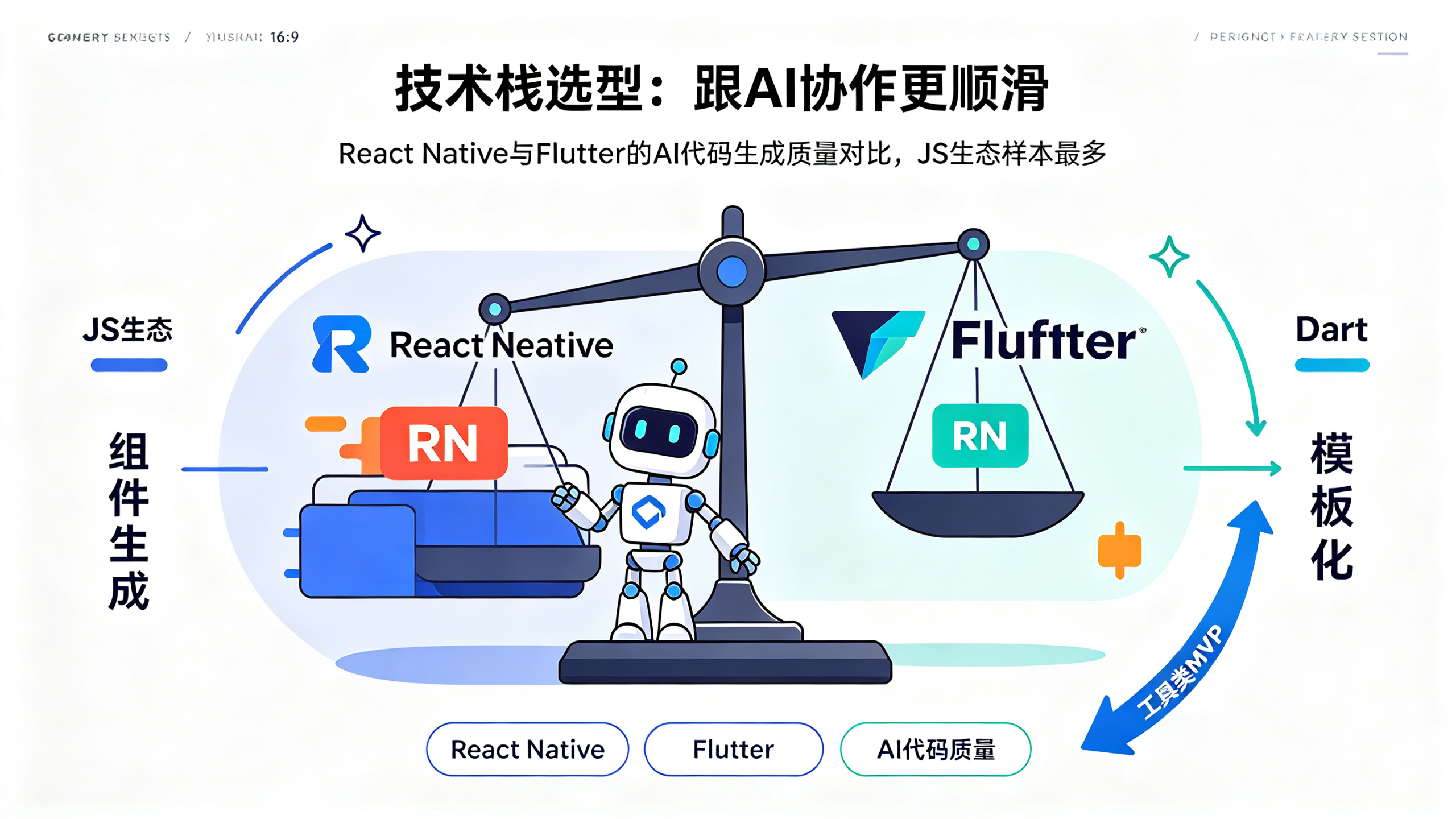
Many people, before developing an App with AI, get stuck at the first step: they do not know whether to choose native development, React Native, or Flutter. My suggestion is simple—first look at which technology has the most high-quality samples in AI's training data. This is not a joke; it directly determines how smoothly you will collaborate with AI afterward.
At present, mainstream AI is most familiar with the JavaScript/TypeScript ecosystem, because the massive number of projects, tutorials, and Q&A posts in the open-source community are all written in JS. So if you have no special reason, choosing React Native (RN) as the cross-platform framework is the most "smooth" path when collaborating with AI. If you ask it to generate an RN component, it will most likely give you code close to production quality; but if you use some niche framework, or very new native language features, AI will easily "seriously make up a wrong API" for you, and you will have to correct it repeatedly, greatly reducing efficiency.
Flutter's advantage is good UI rendering performance and high cross-platform consistency; AI's understanding of the Dart language and Flutter components is also quite good, except that the overall sample size is somewhat smaller than the JS ecosystem, so when encountering obscure problems, the answers AI gives are more "template-like." For native development, especially Android native + Kotlin or iOS native + Swift, AI can handle common UI, but once system-level APIs, permission adaptation, or vendor fragmentation issues are involved, it frequently fails, because real cases of such problems are hard to form stable patterns in public data.