
Create iOS Certificates Without a Mac: Mayou Shangjia One-Click Generation of Distribution Certificates and Provisioning Profiles
For iOS developers, sharing Mayou Shangjia certificate management hands-on practice: when there is no Mac, generate distribution certificates, Ad Hoc and App Store provisioning profiles online with one click, and string together P12 download, test device registration, and a pre-submission checklist into a complete process.
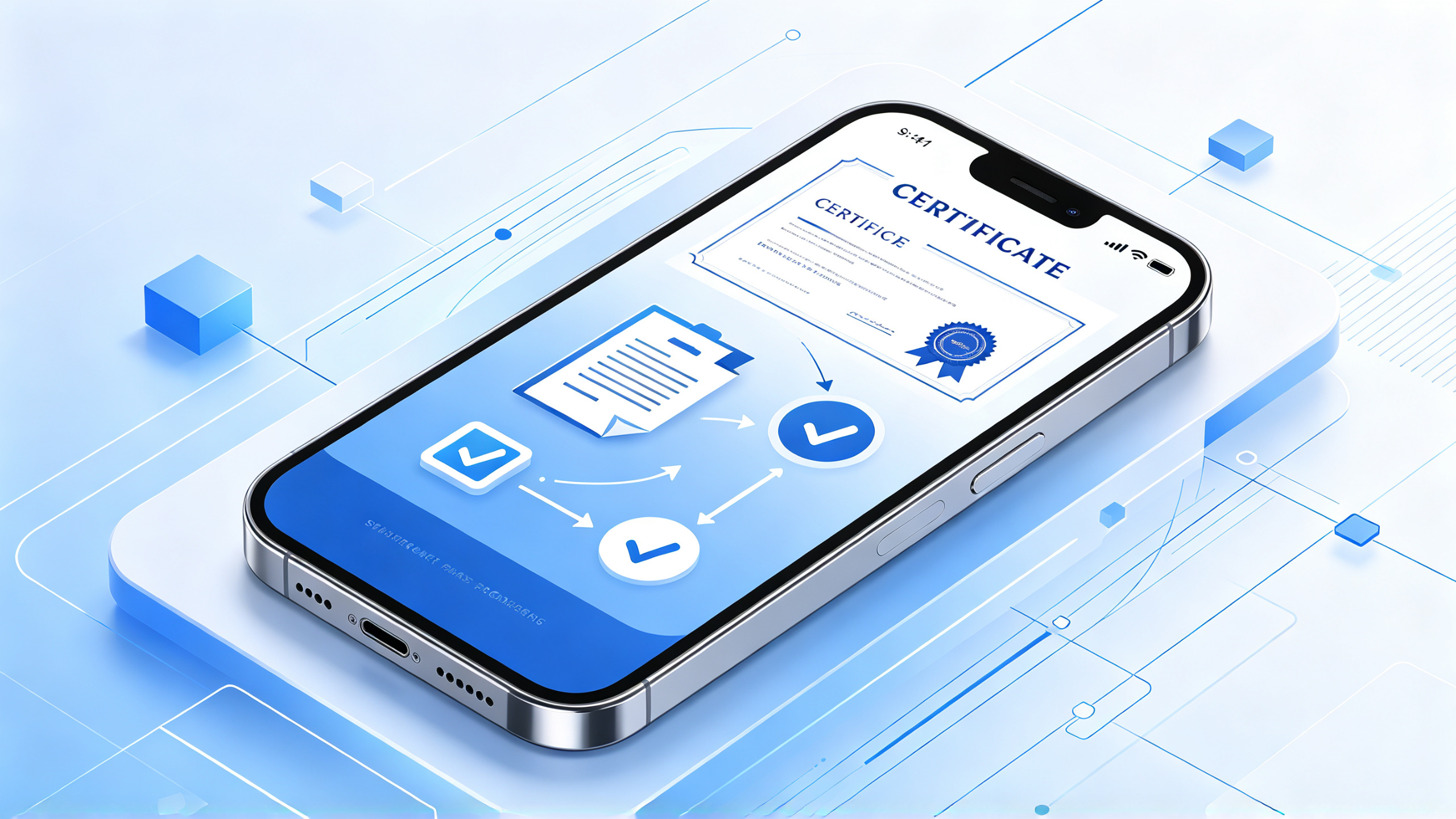
For iOS submission and test distribution, the step of creating certificates often trips people up: the traditional approach requires generating a CSR in the Mac keychain, exporting a P12, and then returning to the developer backend to manually create a provisioning profile. If there is no Mac at hand, or team members each keep their own certificates, handovers are prone to errors. Mayou Shangjia brings certificate management, P12 download, and provisioning profile creation together into the same workbench, and configuration can be completed by checking tasks. Below is a walkthrough in the actual order of operations.
One. Prerequisites Before Creation
An Apple developer account that can log in normally, and confirm that the account permissions allow certificate creation.
The App and Bundle ID have already been registered in Mayou Shangjia, to avoid certificates and identifiers not matching.
If Ad Hoc test distribution is needed, prepare the UDIDs of the test devices in advance.
A stable network environment; when uploading the IPA later, the Apple ID and app-specific password also need to be entered.
Two. Step-by-Step Operations for One-Click Creation of Certificates and Provisioning Profiles
Step one, enter the certificate and P12 file management area, and select the certificate type. Mayou Shangjia supports distribution certificates and development certificates, and the list displays type, platform, expiration time, and issuance status.
Step two, check the tasks that need to be completed automatically: generate a distribution certificate, Ad Hoc provisioning profile, or App Store provisioning profile, and generate the configurations needed for the current process together, reducing back-and-forth switching in the backend.
Step three, wait for issuance to complete, then download the P12. Key information such as the P12 password is viewed centrally in the list, making handover and archiving easier, and no longer relying on the local keychain of a particular Mac.
Step four, if real-device testing is involved, register the test devices first. Mayou Shangjia supports registration of device information for iOS, iPadOS, and other devices; after scanning the QR code with a phone, the name and UDID are automatically filled in, reducing manual input errors.
Step five, return to the provisioning profile list, confirm that the Bundle ID, certificate, and device scope correspond to one another, then download and install it into the build or packaging environment.
Three. Pre-Submission Checklist
Check Item | Pass Criteria |
|---|---|
Certificate Status | Correct type, not expired, issuance status normal |
Bundle ID | Consistent with the App's actual identifier, provisioning profile already associated |
P12 Password | Recorded and properly saved, can be matched during handover |
Test Devices | The UDID is already registered and within the scope of the provisioning profile |
It should be noted that what M You Shang Jia solves is certificate creation and centralized management of materials; it does not replace understanding of the signing configuration itself. Before submission, you still need to verify the version number, build number, and signing method. When a certificate is no longer used, you can perform a revocation operation to avoid confusion in the certificate assets under the account.
Four, which situations it suits
Developers who do not have a Mac but need to create certificates, teams that frequently submit builds, and teams whose certificate materials tend to be scattered can all use M You Shang Jia certificate management to unify the configuration process. For beginners, checking items by task is more intuitive than manually finding entry points; for multi-account teams, centralized viewing of certificates and P12 is more conducive to handover.
Final reminder: automated tools cannot guarantee review results, nor can they bypass platform rules. After certificates and provisioning profiles are created, you still need to upload the IPA through the normal process and follow up on the build status.